Prakhar L
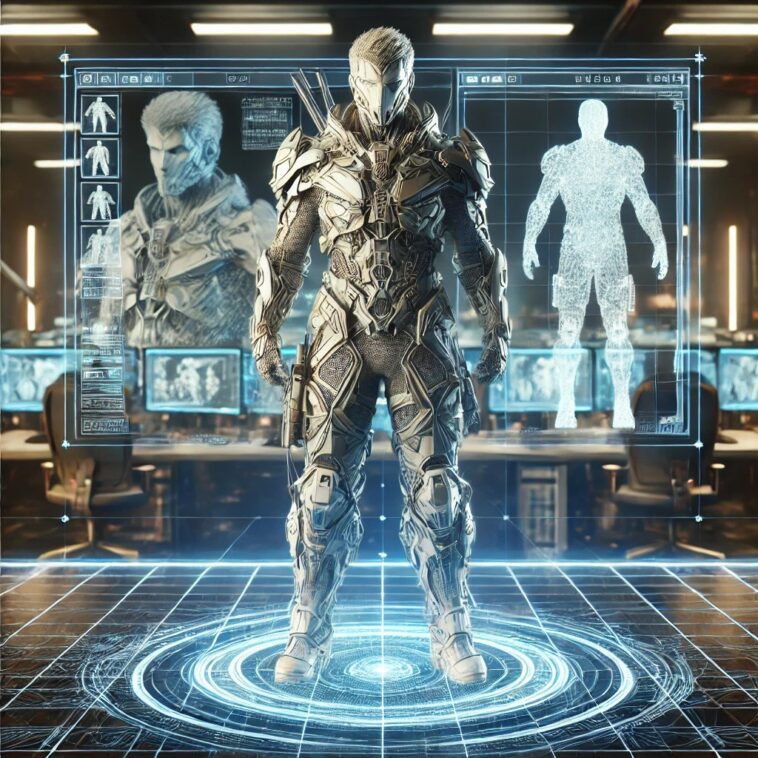
In the world of game development, optimizing 3D models is crucial to ensuring smooth performance, reducing load times, and improving the overall gaming experience. High-polygon models can slow down rendering, especially in real-time engines. Whether you are working with 3D Modeling services or creating your own 3D Character Design, proper optimization is essential. This guide covers key techniques for optimizing 3D models while maintaining visual quality.
1. Reduce Polygon Count
One of the most effective ways to optimize a 3D model is to reduce the number of polygons without compromising detail. Techniques such as decimation or manual retopology can help simplify meshes while retaining the model’s shape.
Best Practices:
Use LOD (Level of Detail) models to dynamically adjust polygon counts based on camera distance.
Employ quad-based topology for better performance and easier animation.
Remove unnecessary edge loops and hidden polygons.
2. Optimize UV Mapping and Textures
Textures play a major role in game performance. Large, high-resolution textures can significantly impact loading times and FPS.
Best Practices:
Use texture atlases to group multiple textures into one, reducing draw calls.
Apply normal maps instead of adding excessive geometry.
Compress textures using DDS or WebP formats to improve memory usage.
3. Efficient Material and Shader Usage
Too many unique materials and shaders can slow down rendering.
Best Practices:
Combine similar materials into single material sets.
Use shader instancing to reuse the same shader across multiple objects.
Avoid complex real-time reflections where possible.
4. Bake Lighting and Shadows
Real-time lighting and shadows are resource-intensive. Using baked lighting can significantly improve performance.
Best Practices:
Bake ambient occlusion (AO) to add depth without using dynamic shadows.
Use lightmaps instead of real-time calculations.
Optimize shadow resolution based on importance.
5. Rigging and Animation Optimization
For 3D Character Design, animations and rigging need to be optimized for smooth gameplay.
Best Practices:
Use skeletal animations instead of morph targets where possible.
Limit the number of bones per vertex.
Optimize animation keyframes by removing redundant frames.
6. Optimize Collision Meshes
Collision detection is another factor that affects game performance.
Best Practices:
Use simplified convex hulls for physics calculations.
Avoid high-poly collision meshes.
Use bounding boxes where precision is not critical.
7. Reduce Draw Calls
Every separate object in a scene increases draw calls, affecting performance.
Best Practices:
Merge static meshes to reduce separate draw calls.
Use instancing for repeated objects.
Limit the number of real-time reflections.
8. Use Game Engine Optimization Tools
Most game engines provide built-in tools to analyze and optimize performance.
Best Practices:
Use Unreal Engine’s LOD system to optimize models.
Utilize Unity’s Profiler to identify bottlenecks.
Implement Occlusion Culling to hide objects not in view.
Conclusion
Optimizing 3D models for games requires a balance between performance and visual fidelity. Whether you’re using professional 3D Modeling services or working on 3D Character Design, applying these techniques can enhance the gaming experience by reducing lag, improving load times, and maintaining high-quality visuals.
By integrating these best practices into your workflow, you can ensure that your game runs efficiently across various platforms while still delivering stunning visuals.
This post was created with our nice and easy submission form. Create your post!